

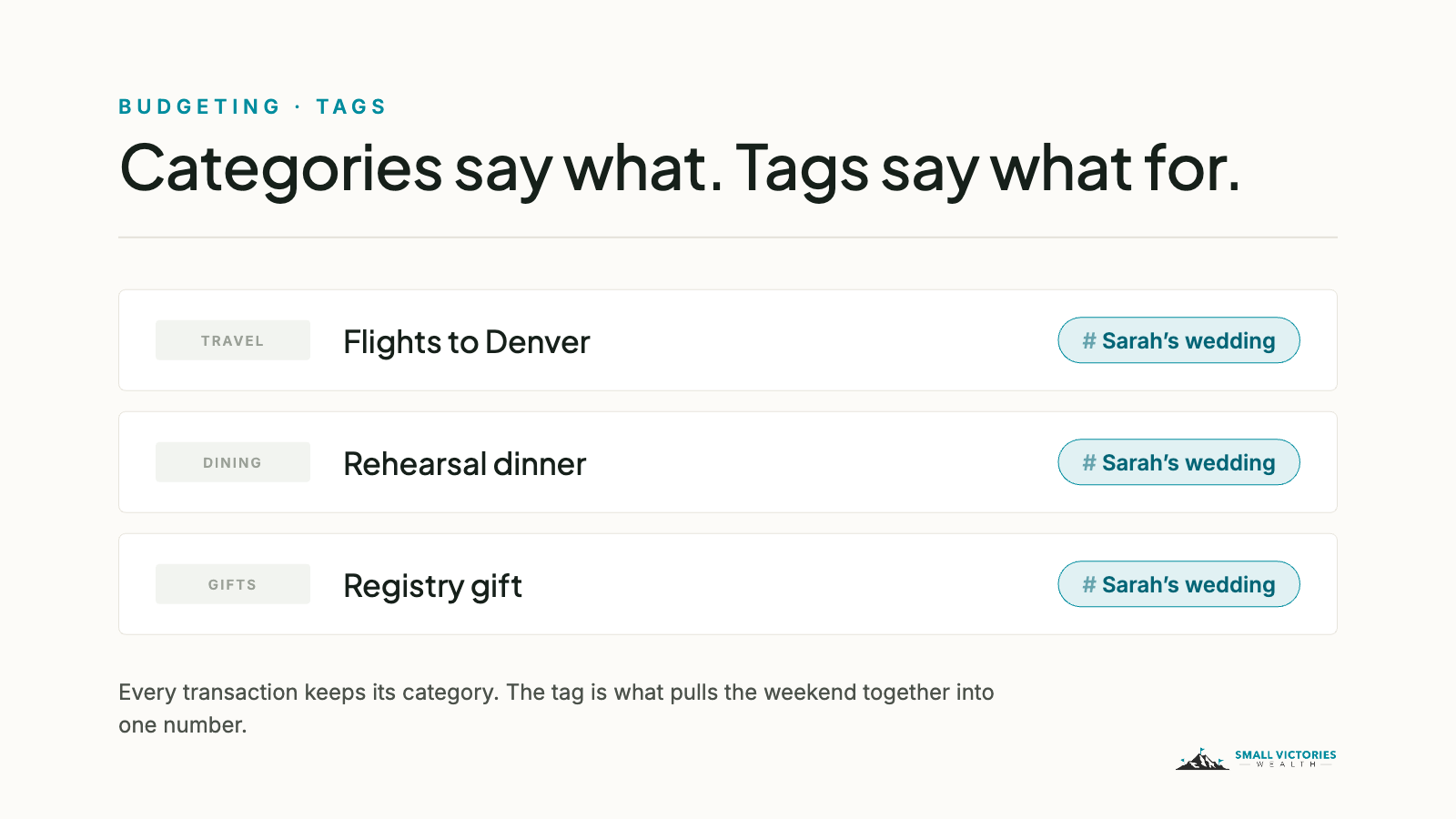
Every category system eventually meets a transaction that doesn’t fit. The hotel for your friend’s wedding is Travel, sure — but it’s also part of the wedding, and what you actually want to know is what the whole weekend cost you. A category can’t answer that. A tag can.
What a tag actually is
In Monarch, every transaction gets exactly one category. That’s the box it lives in — Groceries, Rent, Travel — and it’s what your budget is built on.
A tag is a label you add on top. A transaction can carry as many tags as you like, and tags cut across categories. Categories answer “what kind of spending was this?” Tags answer “what was this for?”
Think of categories as the folders on your desk and tags as sticky notes. The receipt goes in one folder, but you can stick a note on it that says “wedding” or “reimbursable” so you can find it later — without pulling it out of the folder.
Why not just make another category?
Because categories are permanent and tags are temporary. If you create a “Sarah’s Wedding” category, it sits in your budget forever, mostly at $0, right next to Groceries. Do that a few times and your budget page turns into a graveyard of one-off events.
A tag costs you nothing. Use it for three months, pull the total, and let it go quiet. Your category list stays clean, your budget stays readable, and you still get the answer you were after.
The rule I use with clients: if it needs a monthly budget, it’s a category. If you just want to find it or total it later, it’s a tag.
A few tags worth trying
A trip or event — “Japan 2026” or “Baby shower.” Flights, restaurants, gifts, and the rental car all end up in different categories, but one tag pulls them together into a single total.
Reimbursable — work expenses you fronted on your own card. The tag doubles as a to-do list until the reimbursement lands, and then it comes off.
Tax — anything you’ll want to hand to your tax preparer next spring: charitable gifts, a home office purchase, medical bills. Tagging as you go beats hunting in March.
One-off — the new fridge, the moving truck, the vet bill. When you review a month, filter these out and you can see what “normal” actually looks like.
How to add one
Open any transaction, find the Tags field, and type a name. If the tag doesn’t exist yet, Monarch creates it on the spot. Then go to your Transactions page, filter by that tag, and you’ve got your total. If you catch yourself tagging the same merchant over and over, set up a rule and let Monarch do it for you.
Start with one. Pick the thing you’re most curious about — the trip, the project, the pile of receipts — and tag it for a month. Next post, I’ll get into how to build a set of tags that still makes sense a year from now.
On Monarch: Monarch is a budgeting app we use with clients to connect accounts and track spending. Small Victories Wealth receives no compensation from Monarch — no referral fees, no affiliate arrangement, no revenue share. Clients in our ongoing planning services get Monarch access as part of their fee; for our budget packages and Budget Support, you keep your own Monarch subscription. It's one tool among several, and it may not be the right fit for every situation.
